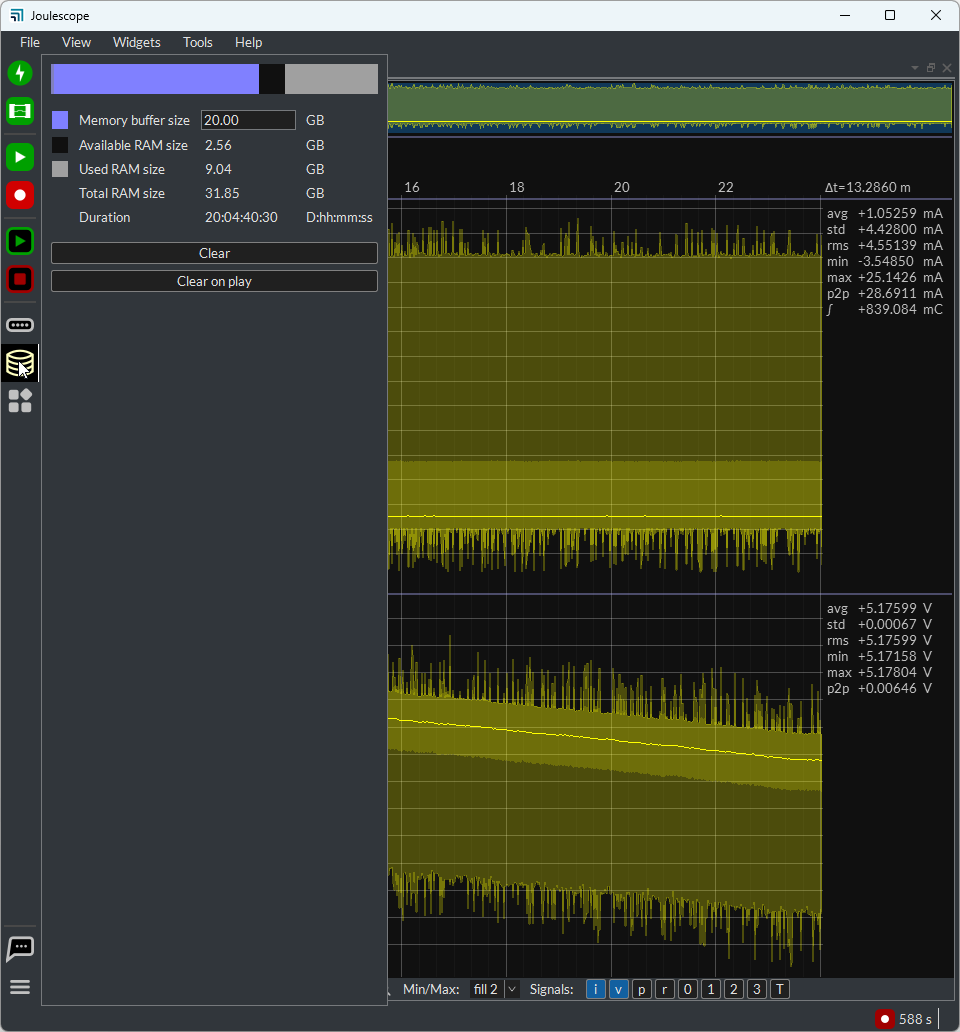
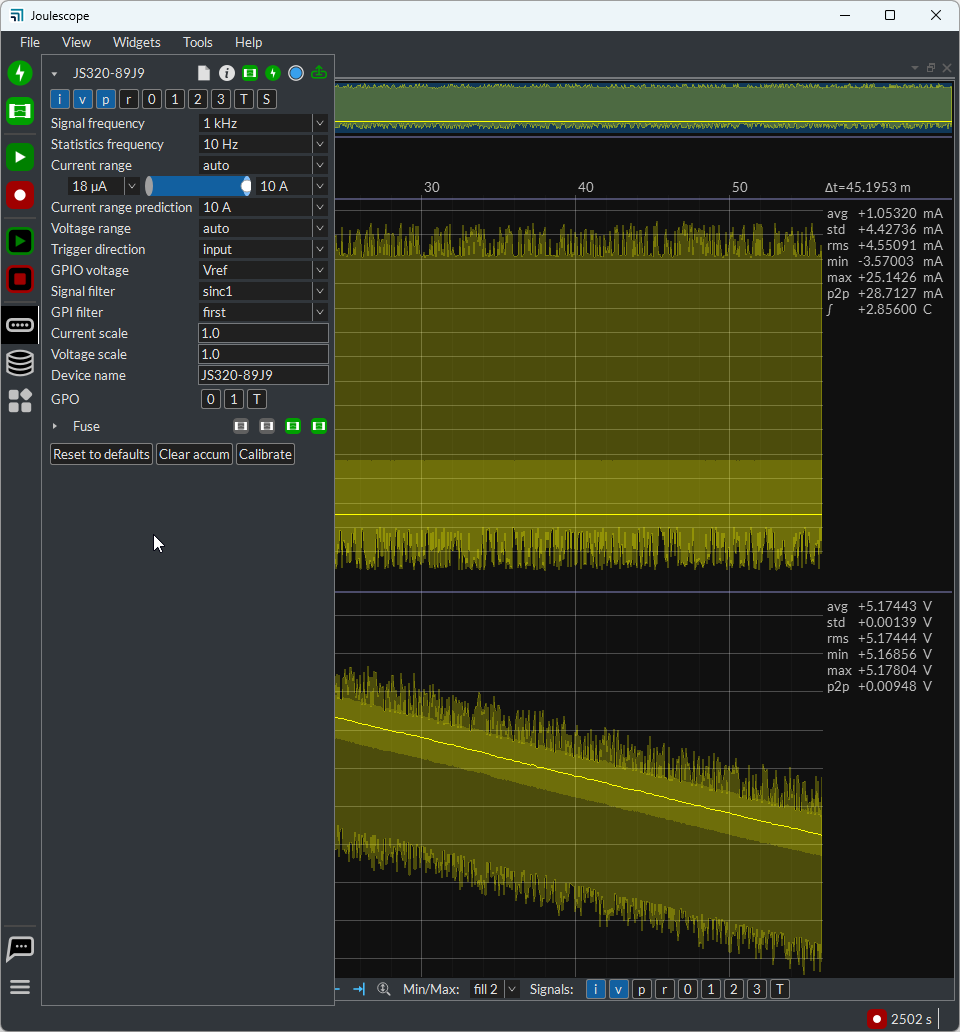
I have 1 unit of JS320. I plan to record the current consumption of my board for few weeks. I had set the buffer memory size to 20GB, signal frequency 1kHz, statistics frequency to 10Hz. From the memory setting, it showed that it could record data for about 20 days. However, when I start the recording, the computer system memory will full within 1 day only. Then, the UI will crash and stop to record the data. May I know is there any other setting I need to set in order to record data for a very long time, maybe 2 to 3 weeks?
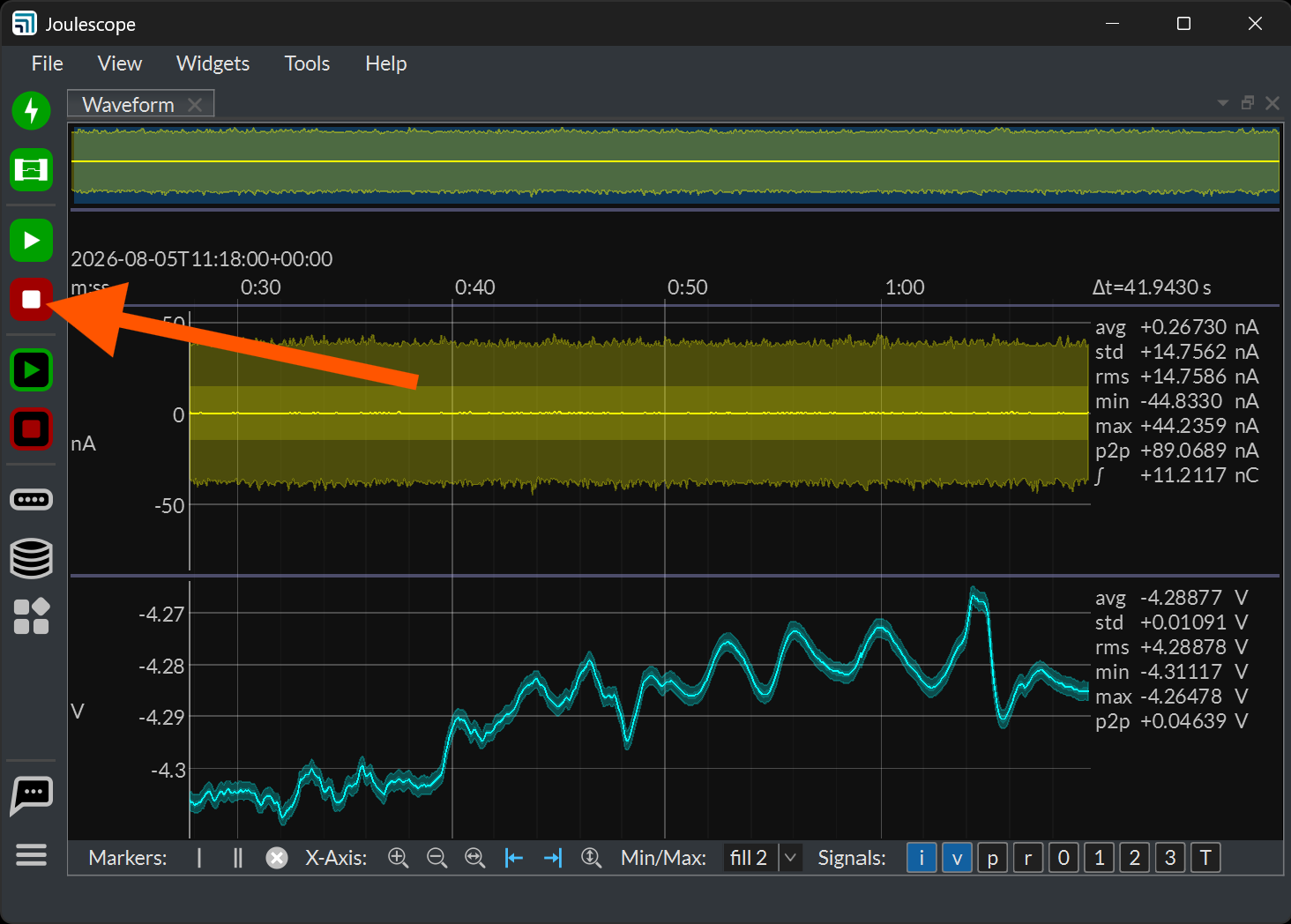
Hi @KS_Foo - For reliable, long-term recording, do not use the RAM buffer. Keep the RAM buffer small with lots of margin to avoid running into out-of-memory or swap file performance issues. Instead, record the data directly to disk:
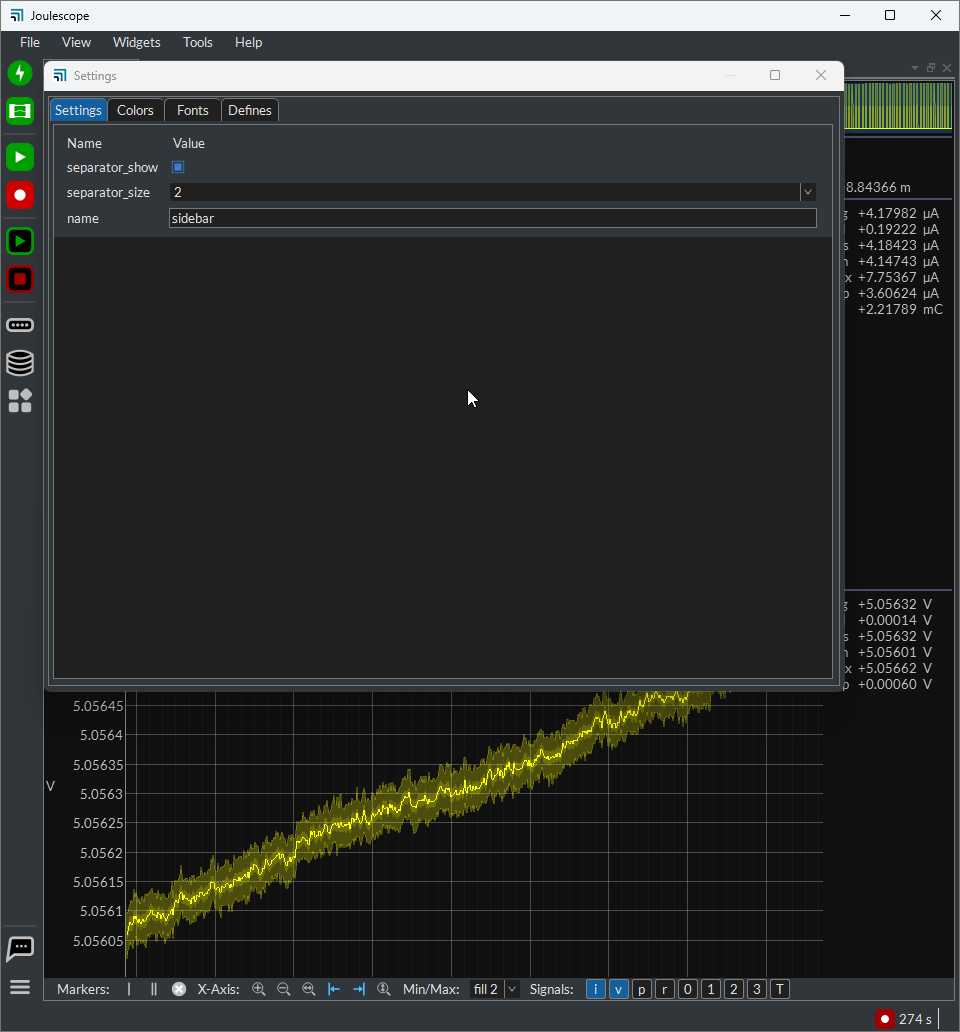
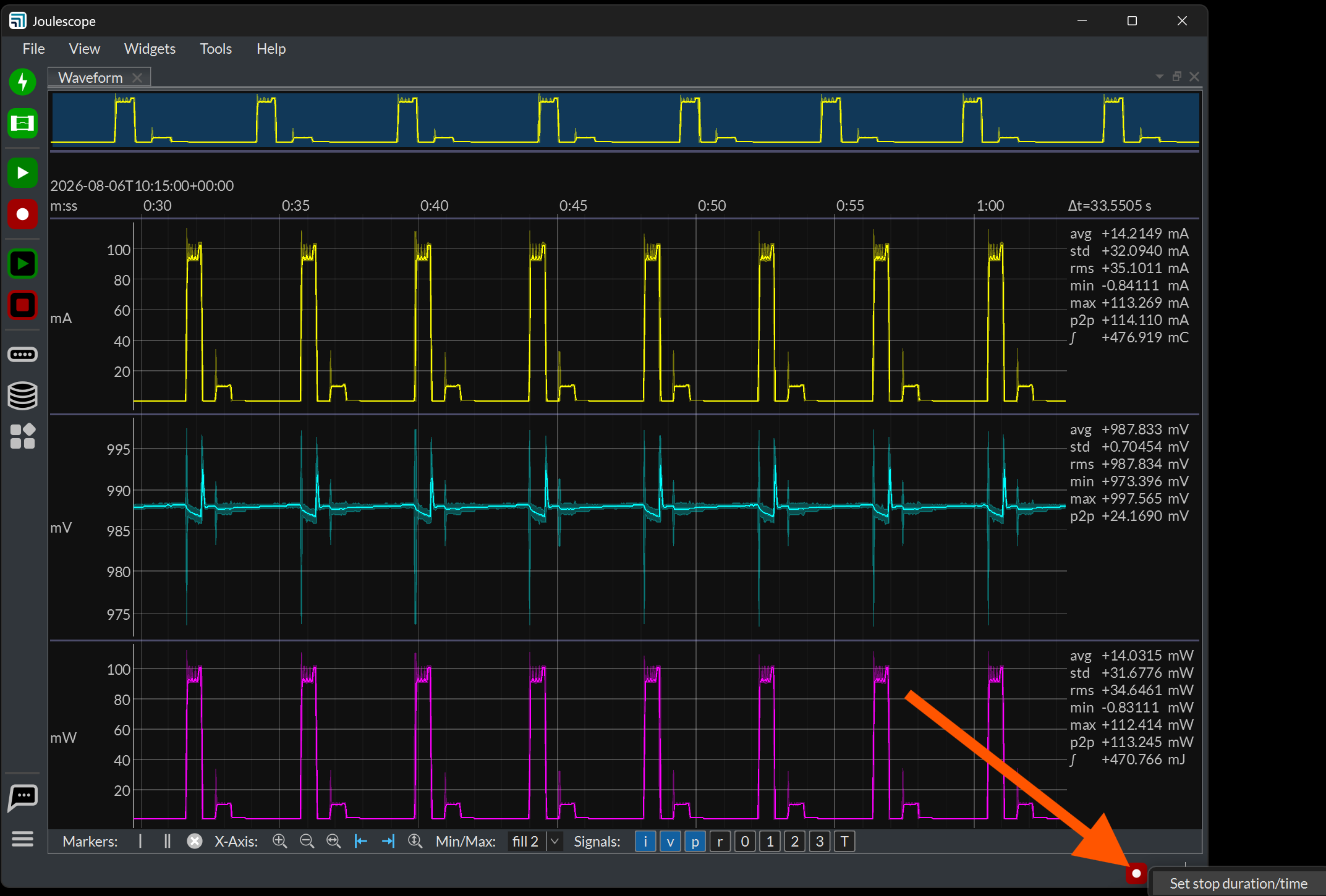
From the pictures you shared, it looks like you are doing this, too. You can then stop the recording when done. Alternatively, you can right-click on the recording status at the bottom right and select a duration or stop time.
You also need to configure your host computer to be reliable, not sleep, and always service the Joulescope UI. Here is a guide for Windows:
We also have Joulescope 1.7.0 (currently in beta) that addresses a number of performance and stability issues. You can download from here:
While this release is beta for now, our testing is going well. We anticipate releasing it as stable today or tomorrow.
Hi @mliberty , thanks for the information, will further check on the windows setting.
May I know how to record the data directly to the disk? When I start to record, I had selected C drive as the file directory during recording the JLS file. But, it still using RAM buffer. It seem like the UI will always use RAM buffer during recording and only will stop if I stop the recording.
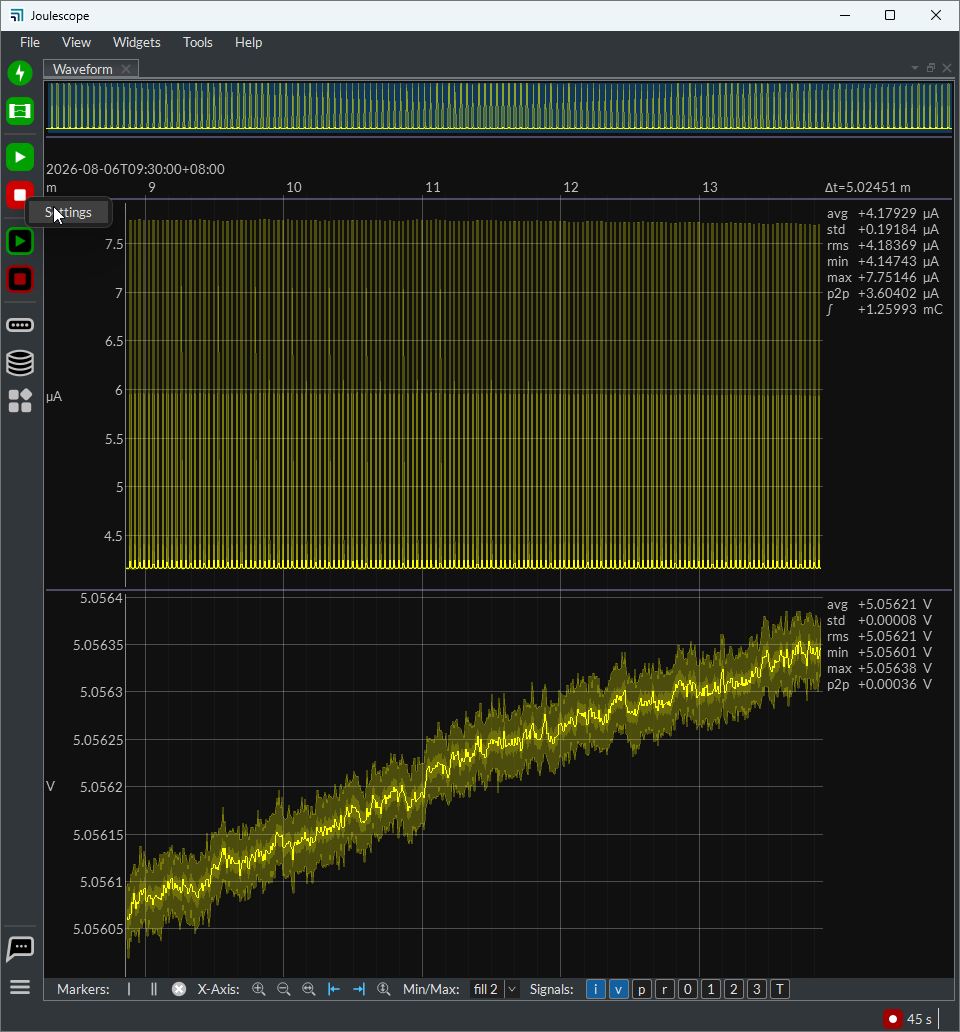
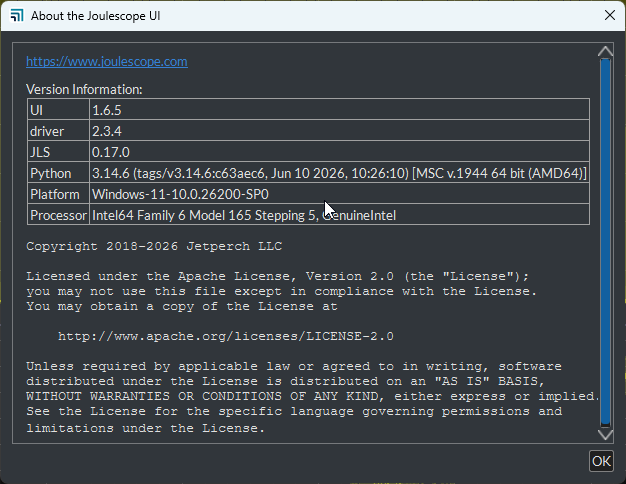
When I right-click on the recording status, I can’t select duration or stop time. There is no any option about the duration or stop time in the setting tab. The UI version I using is 1.6.5.
Hi @KS_Foo - Yes, the Joulescope UI always uses a RAM buffer. The Waveform widget depends on it. The RAM buffer limits the maximum duration that the Waveform widget can display in live streaming mode.
However, the RAM buffer does not limit the duration for recording to disk. You can capture for as long as you want or until your drive is full. You can then load the JLS recording and display the full capture duration in the Waveform widget in file display mode.
The recording status is on the status bar at the bottom right:
Thanks for the information. I can set the stop duration now.
By the way, may I know how to auto stop recording for every hour and auto save the JLS file for every hour during the test? If the UI is not possible to do this setting, is there any way can use to set this auto start stop data recording for every hour?
The Joulescope UI is not designed for this feature. The JLS file format is designed to support huge recordings and still open (read) instantly in human time. It also supports recovery in case the file is not properly closed (host computer issues, like reboot, crash, etc).
You could write a custom Python script to do this. You can start from recording.py. Getting sample alignment across i, v, p is easy. It is a little more work to split the GPI & trigger signals correctly, but not too challenging.
What is the motivation for creating one file per hour rather than a single file?
Understood on the JLS file. I will try with the Python script for my measurements. I think should be no problem for long time measuring if using the Python script.