Hi @KS_Foo - For reliable, long-term recording, do not use the RAM buffer. Keep the RAM buffer small with lots of margin to avoid running into out-of-memory or swap file performance issues. Instead, record the data directly to disk:
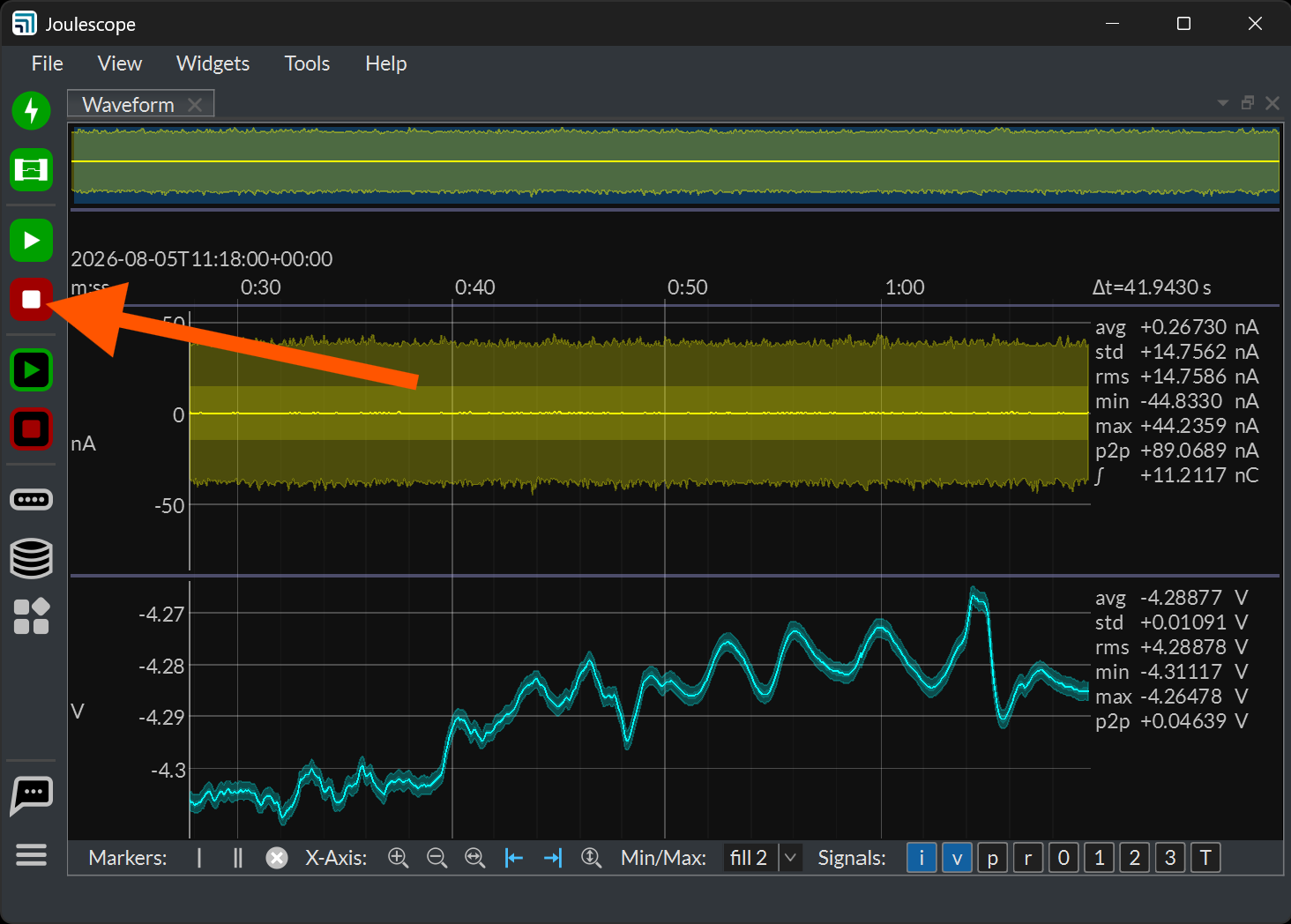
From the pictures you shared, it looks like you are doing this, too. You can then stop the recording when done. Alternatively, you can right-click on the recording status at the bottom right and select a duration or stop time.
You also need to configure your host computer to be reliable, not sleep, and always service the Joulescope UI. Here is a guide for Windows:
We also have Joulescope 1.7.0 (currently in beta) that addresses a number of performance and stability issues. You can download from here:
While this release is beta for now, our testing is going well. We anticipate releasing it as stable today or tomorrow.