HI
I am encountered a TimeoutError when trying to start my Joulescope JS220 UI on Ubuntu 24.04.4 LTS.
I have created a python virtual environment and i am working within the environment. Following are the command i have executed to start the Joulescope
source ~/venv/joulescope/bin/activate
python3 -m joulescope_ui
The UI is start up with out any issue. Following are the loge appeared on the screen
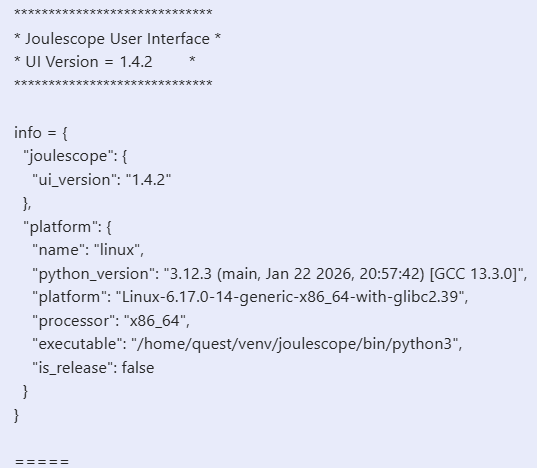
But While connecting JS220 to the system i am getting following error
The Error Log:
ERROR:2026-03-06 18:29:15,825:js220_updater.py:308:joulescope_ui.devices.jsdrv.device.u.&js220.000400:driver open failed
Traceback (most recent call last):
  File "/home/quest/venv/joulescope/lib/python3.12/site-packages/joulescope_ui/devices/jsdrv/js220_updater.py", line 306, in _run
    self._driver.open(self.device_path, mode='restore')
  File "pyjoulescope_driver/binding.pyx", line 995, in pyjoulescope_driver.binding.Driver.open
  File "pyjoulescope_driver/binding.pyx", line 726, in pyjoulescope_driver.binding._handle_rc
TimeoutError: jsdrv_open timed out | u/&js220/000400
WARNING:2026-03-06 18:29:15,827:js220_usb.c:391:jsdrv:ll_await timed out
ERROR:2026-03-06 18:29:15,839:js220_usb.c:604:jsdrv:OP_CONNECT timed out
Could you please suggest solution to come out of this error.