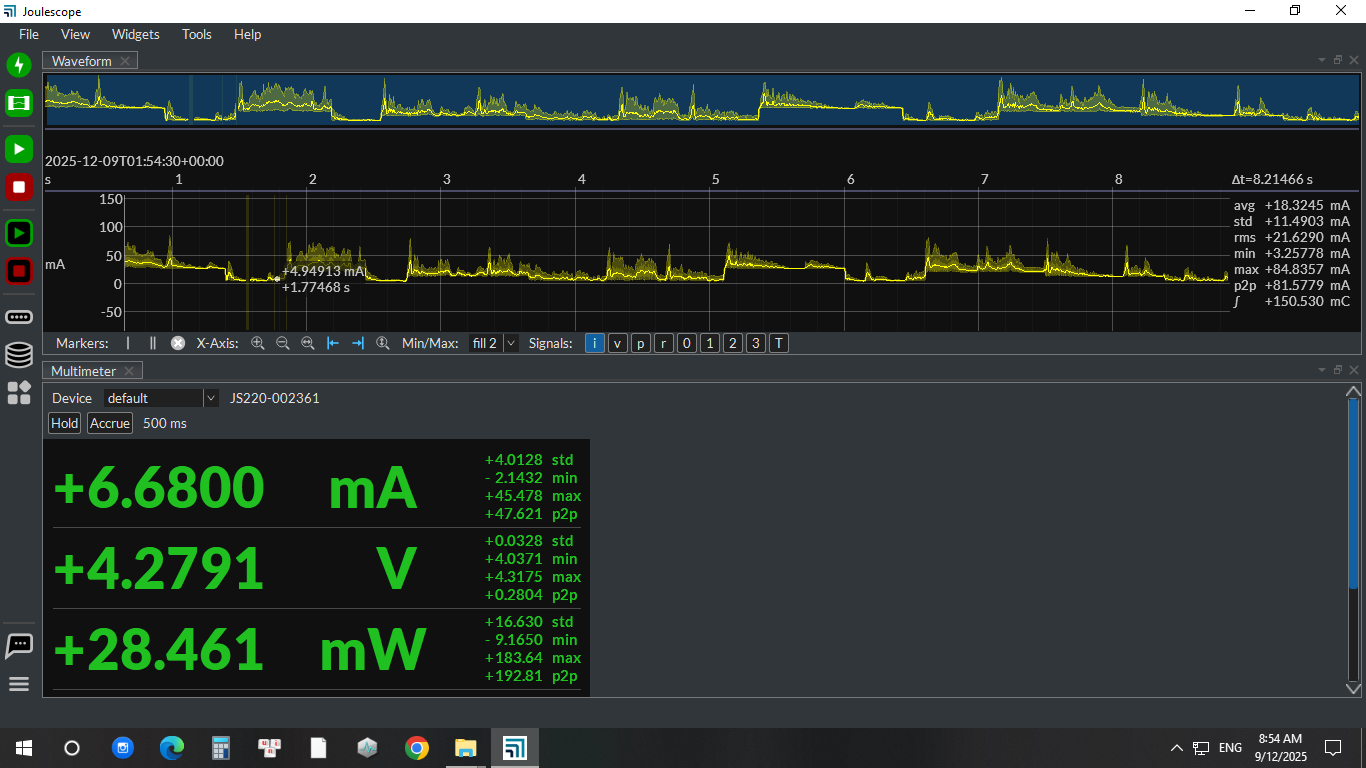
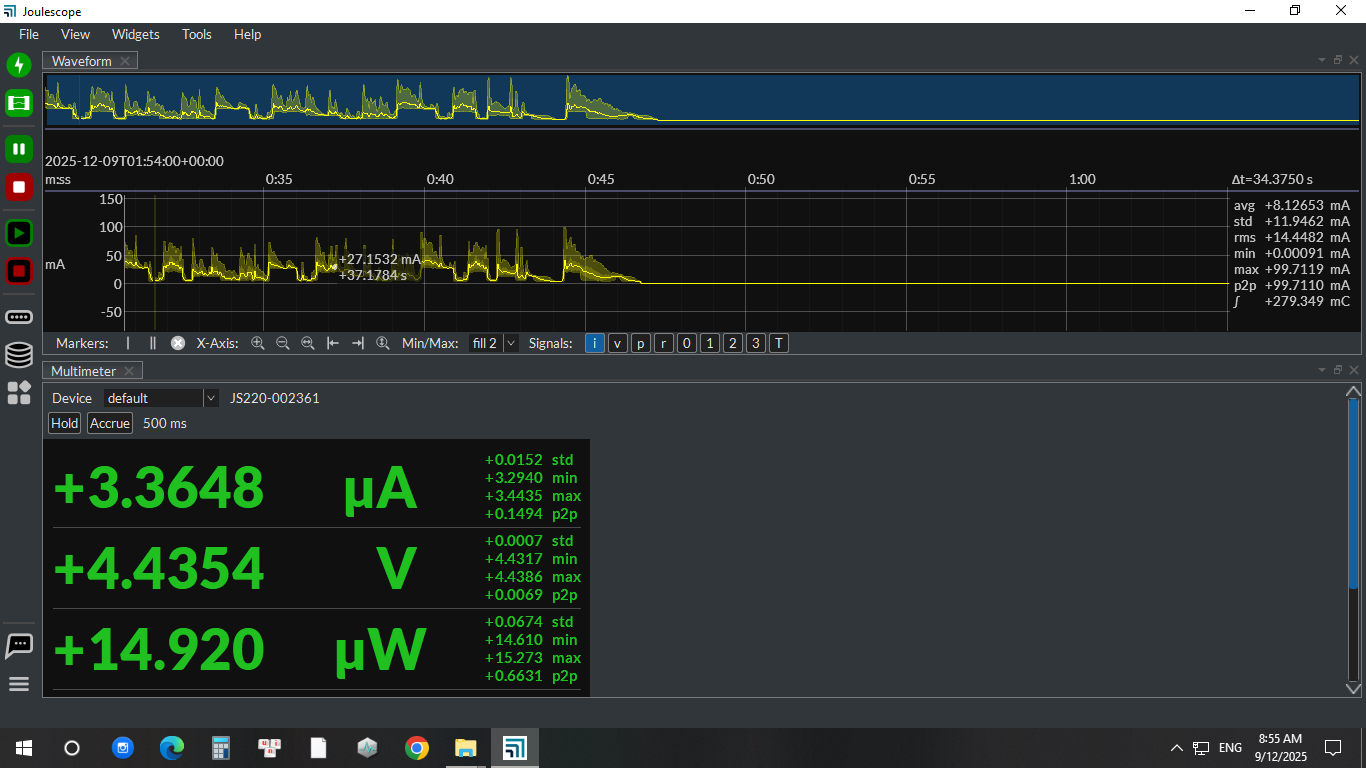
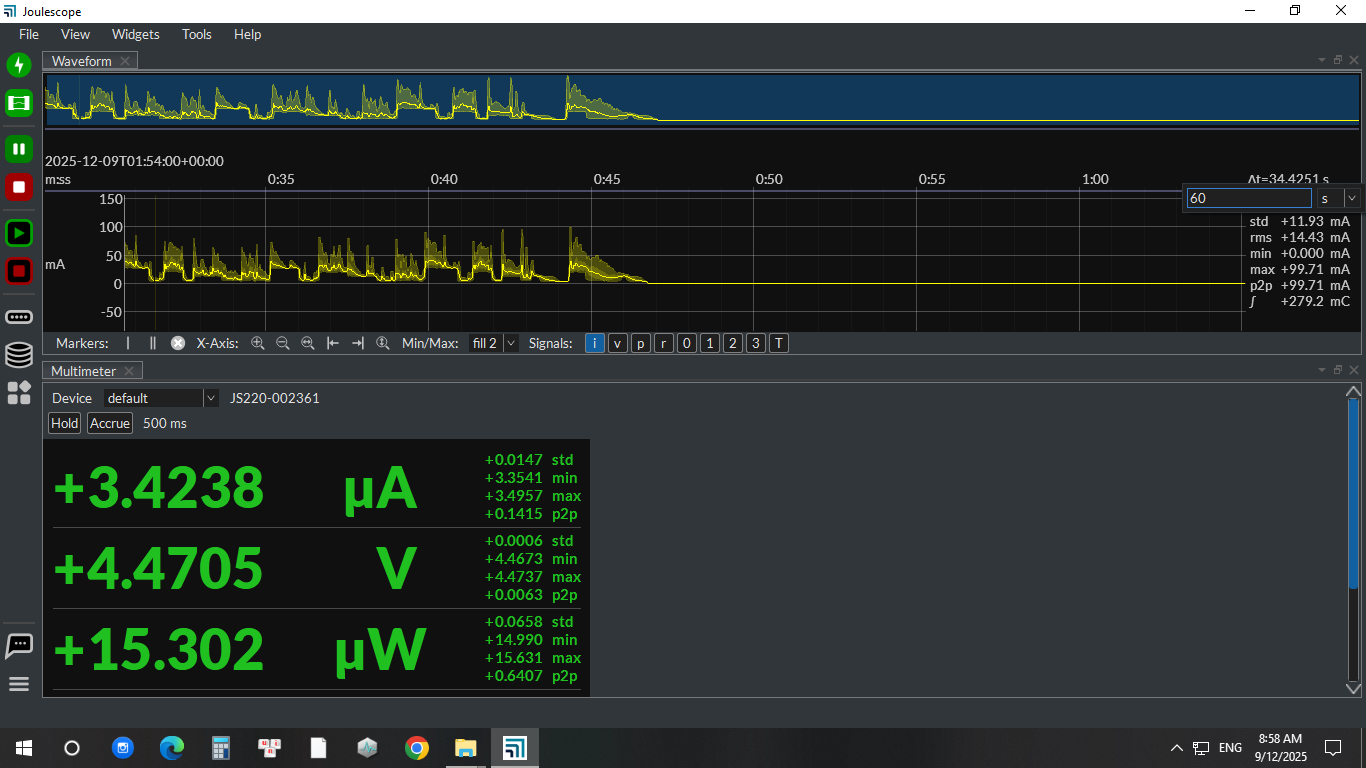
Hello, my JS220 version is 1.4.1. In the waveform interface, I conducted a JS220 test lasting over one minute to record the current waveform. Regardless of how I zoom in or out, the current waveform interface cannot display the complete one-minute current waveform. Additionally, I cannot set △t to 60 seconds. If I wish to display the complete current waveform that has already been tested, how should I proceed?Thank you.(The image below is a screenshot of my operation process.)
Hi @Henry, and welcome to the Joulescope forum!
The Joulescope UI gives you three choices for displaying data captured over longer durations.
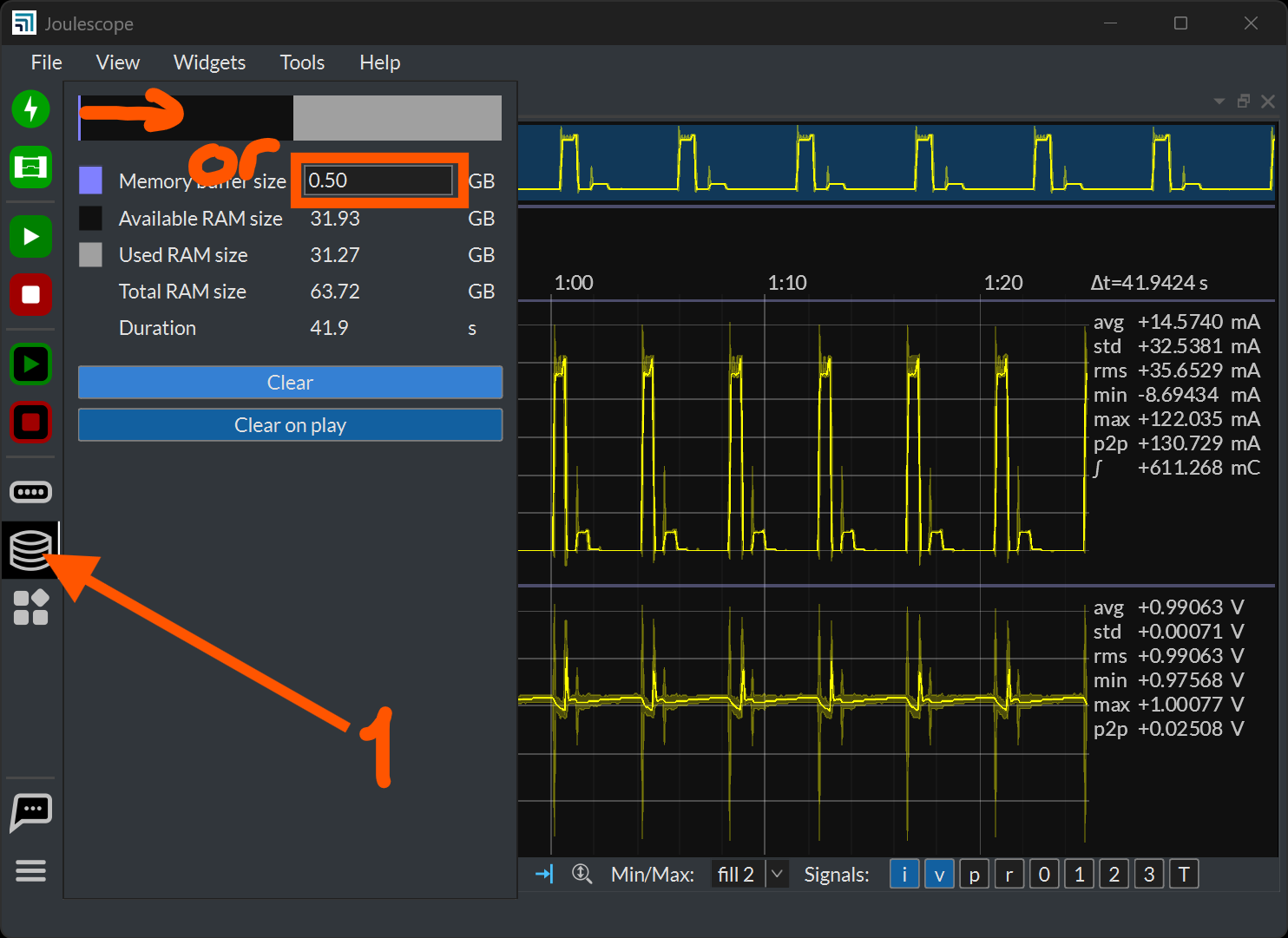
1. Increase RAM Buffer
The live streaming feature of the Joulescope UI uses your host computer’s RAM to store the data. At full rate, a single Joulescope produces about 12 MB/s for current, voltage, and power. With the default RAM buffer setting of 0.5 GB, this limits the buffer to about 42 seconds. You can increase this if your computer has more RAM:
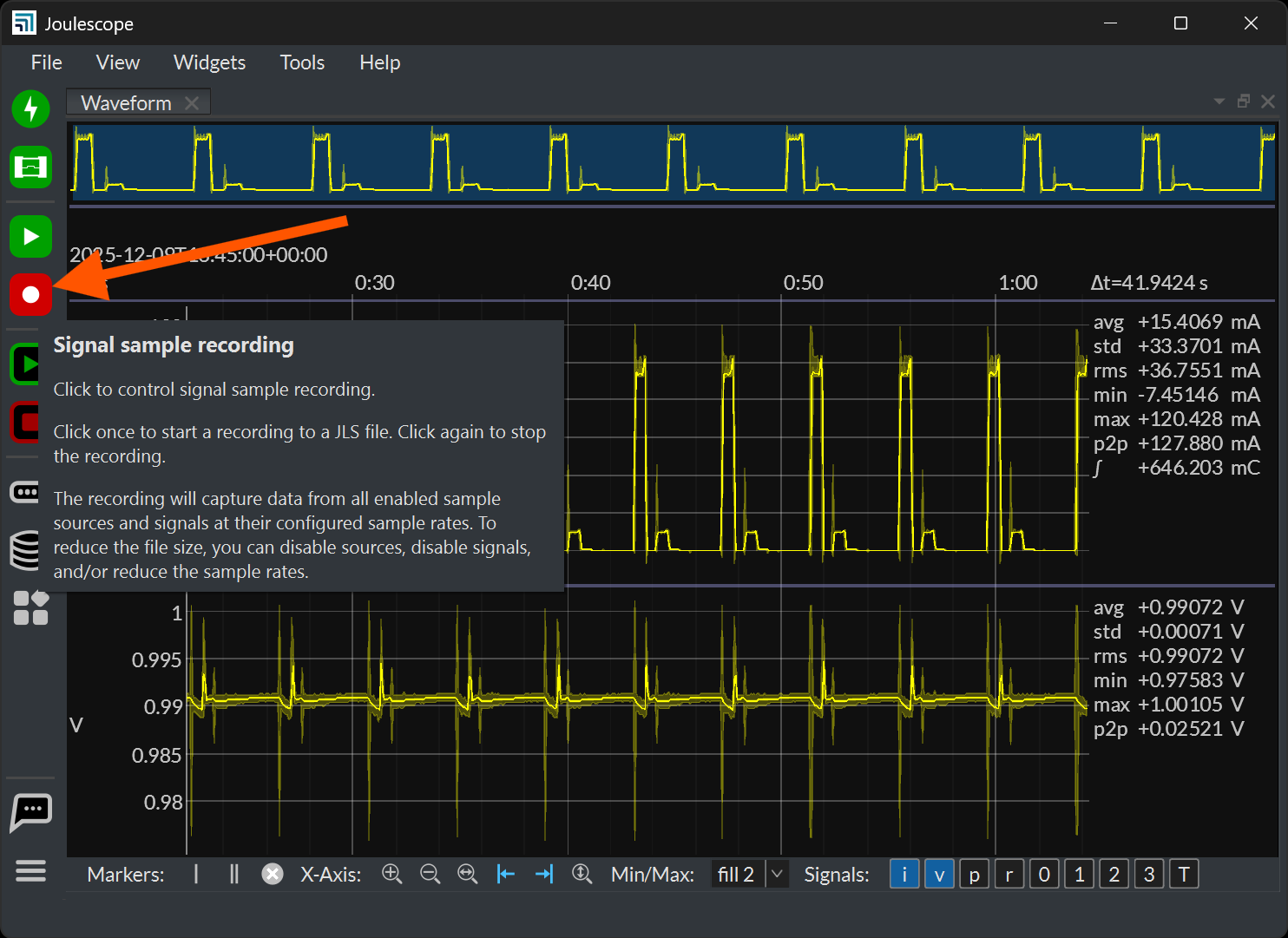
2. Record to Disk
You can record to disk and then open the recording. Instead of being limited by RAM, you are now limited by your disk size. 18 TB drives that can record 2 weeks of full-rate data are not that expensive. Press the Signal sample recording button to start the recording. You will see status displayed on the bottom right. Press again to stop. I recommend selecting View → File and then File → Open.
3. Reduce Signal Frequency
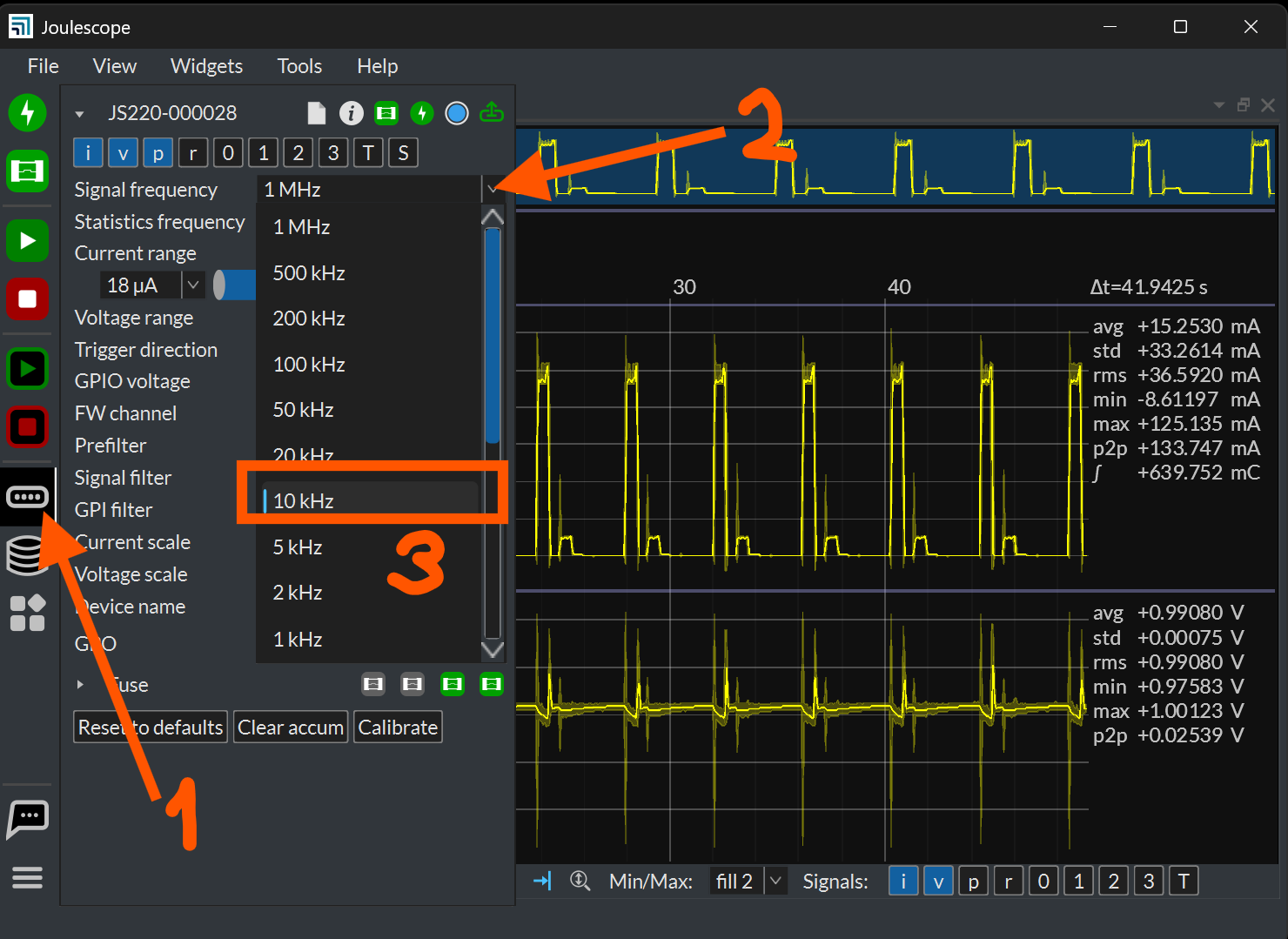
You can reduce the Signal frequency. While this reduces temporal resolution, it means you have less data per unit time. A lot of customers use 10 kHz for longer captures, which provides a decent tradeoff of time resolution and storage size. However, you can decide what works best for you. Here is how:
Does at least one of these options give you the behavior you want?
Thank you very much, I have understood.